GridKeys

Nine big keys.
Every character.

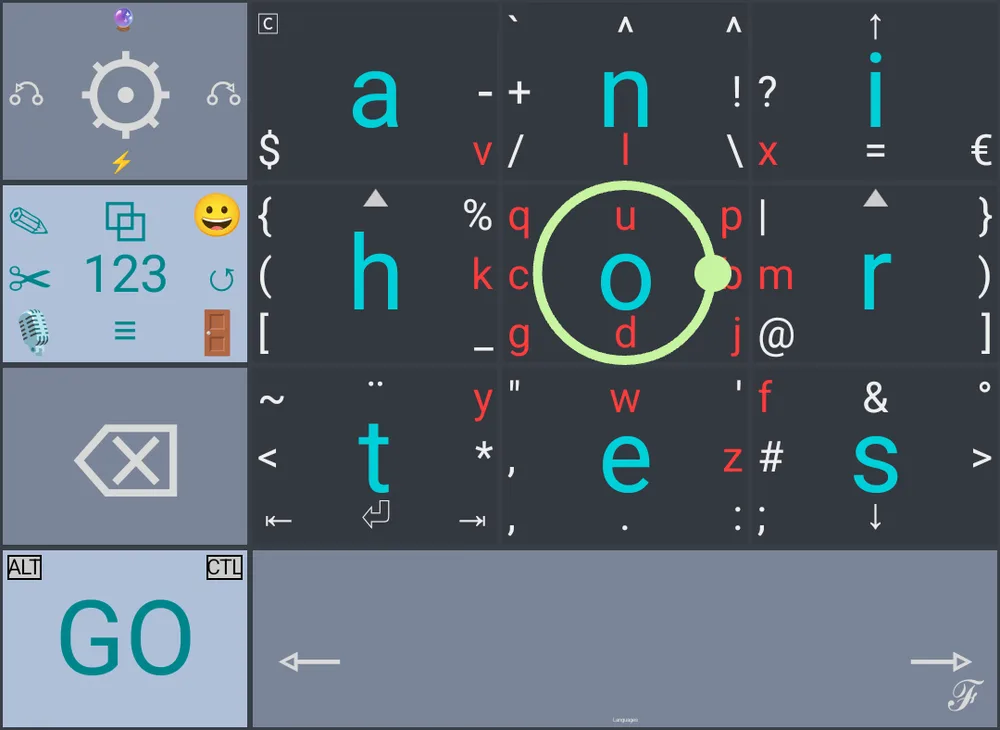
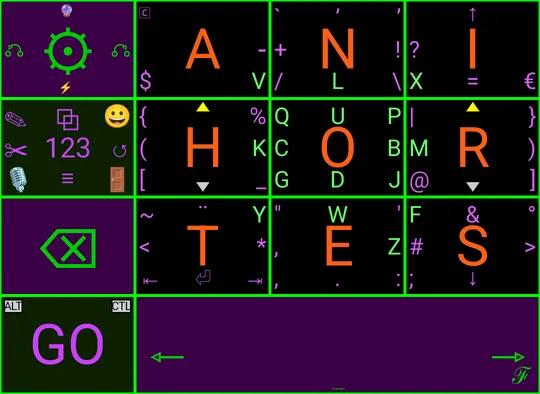
GridKeys is a gesture keyboard for Android. Each key holds a handful of characters: tap for the one in the middle, swipe toward the others, circle or hold for more. Then change any of it.

Join the beta on Google Play Android 8 and up
The GridKeys keyboard: nine letter keys, each with smaller characters around a large center letter, and a circle being drawn on the O key

Make it look like yours

Pick a palette, or set every color yourself and save it by name.

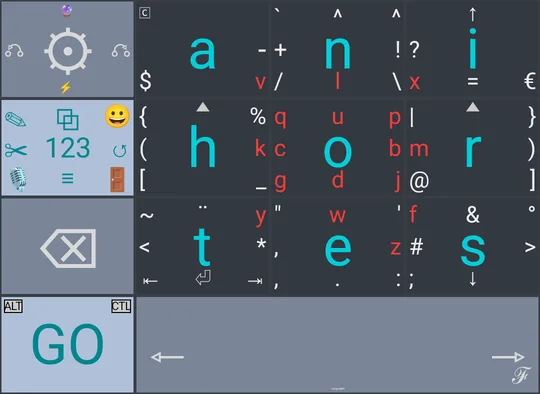
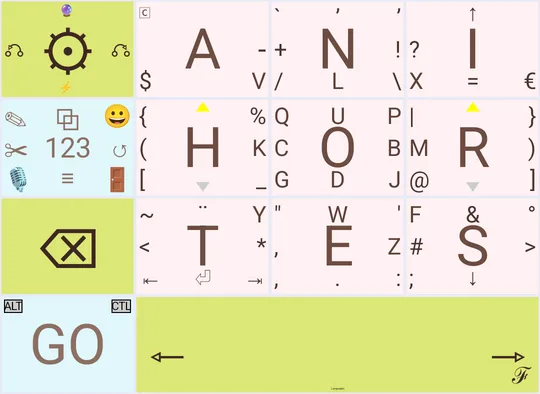
GridKeys in the Cyan Gray palette
Cyan Gray
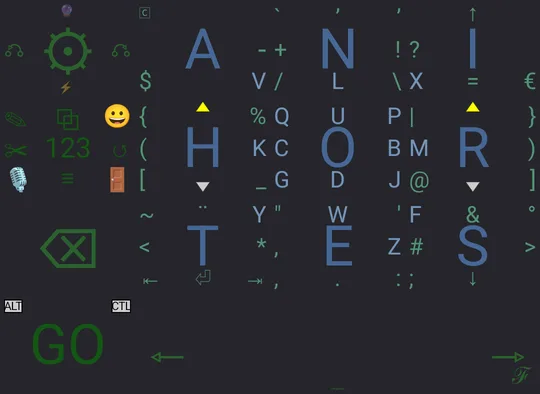
GridKeys in the DreymaR palette
DreymaR
GridKeys in the Spring Blossom palette
Spring Blossom
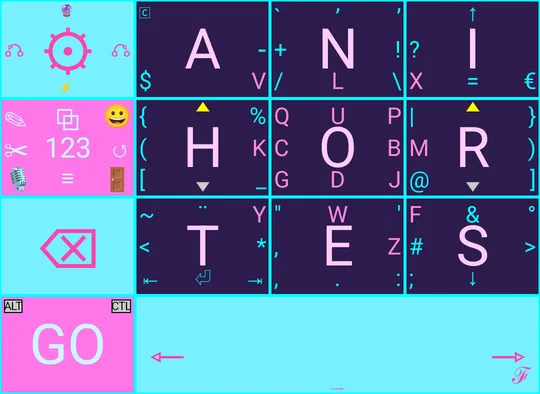
GridKeys in the Vaporwave Vice palette
Vaporwave Vice
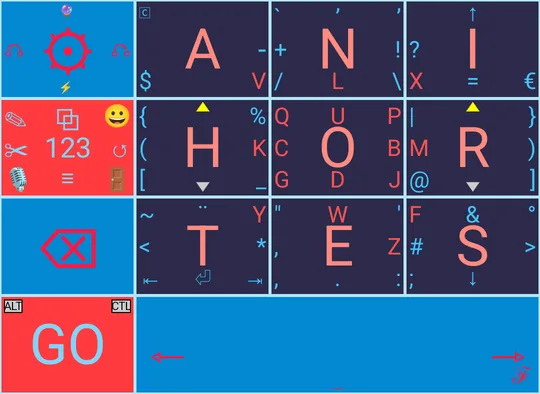
GridKeys in the Fire & Ice palette
Fire & Ice
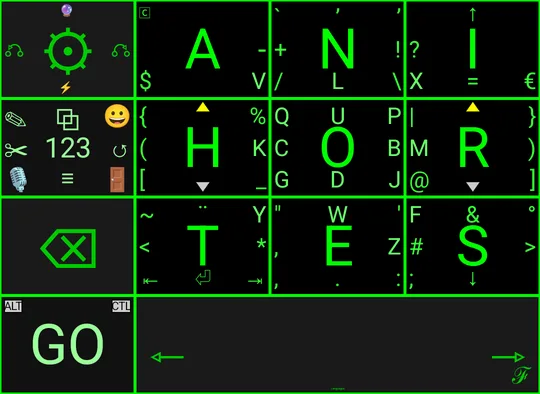
GridKeys in the Cyber Lime palette
Cyber Lime
GridKeys in the Halloween palette
Halloween
How it types

Tap the middle, swipe for the rest

The big letter in each key is a tap. The small ones around it are a swipe in their direction, so the whole alphabet fits on nine keys big enough to hit without looking. A trail follows your finger so you can see what you drew.
Layout editor

Move it, resize it, add a key

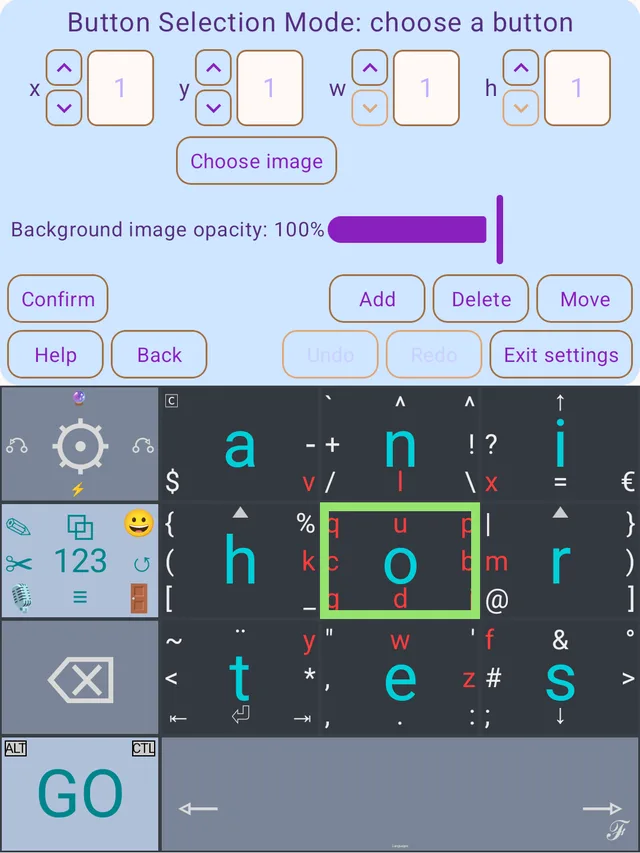
Pick any key and move it, make it wider or taller, swap it with another, or add and delete keys. Every change can be undone, and any gesture on any key can do something new: type text, press a key, switch layers, play a macro.

The layout editor with the O key selected, showing position and size controls and Add, Delete and Move buttons
Text replacements

Type less, say more

Save short abbreviations that expand as you type, like ats into at the store. Changed your mind? Backspace right away and it turns back.

Clipboard

A clipboard that remembers

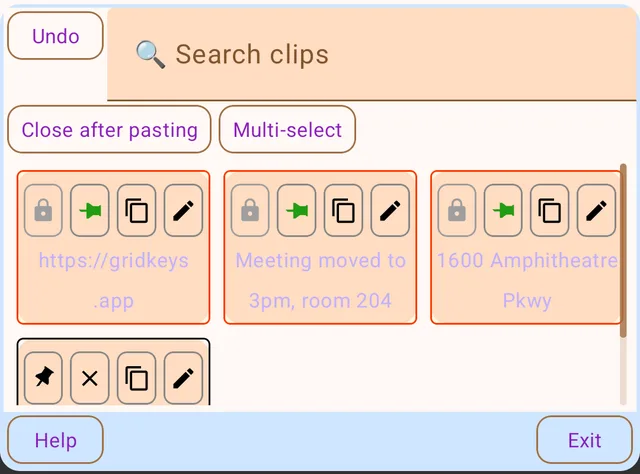
Pin what you copy so it's there when you need it. Search it, lock the private ones behind a password or your fingerprint, and paste with a tap.

The clipboard screen with pinned clips and a search box
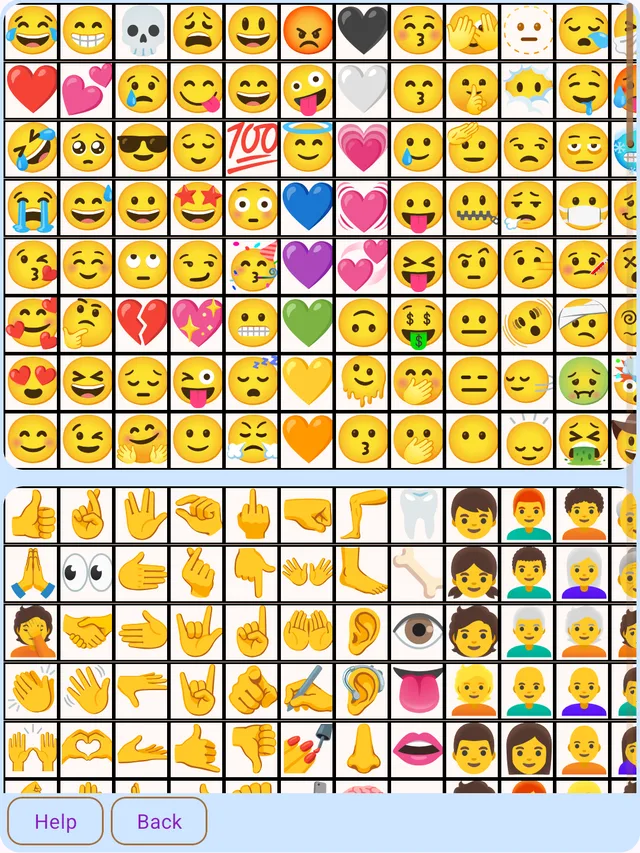
Emoji

Every emoji, your favorites first

All of them, grouped, with the ones you use most moving to the front of each group.

The emoji screen: a grid of smileys, hearts and hand gestures
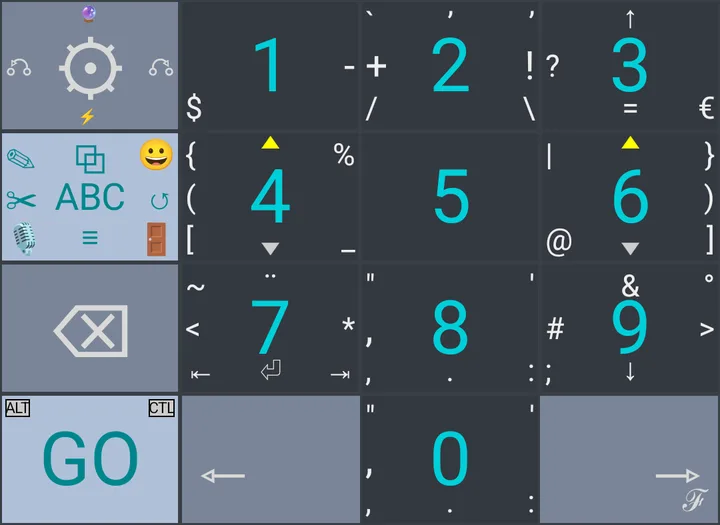
Numbers & symbols

Symbols where your thumbs already are

One tap on 123 and the same grid turns into a number pad, with punctuation and symbols a swipe away on every key.

The numbers layer: digits 1 to 9 on the grid with symbols around each
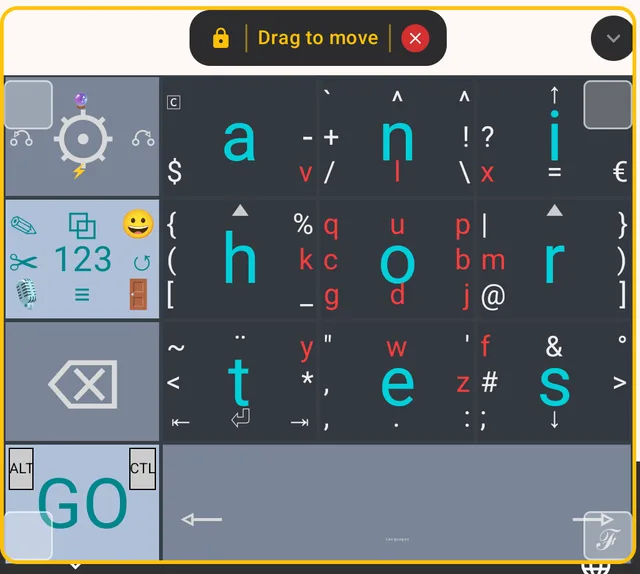
Floating keyboard

Put it anywhere

Undock the keyboard and drag it wherever it's comfortable, or resize the docked one to fit your hands. Left-handed? Flip it with one swipe.

The keyboard floating over an app with a Drag to move handle
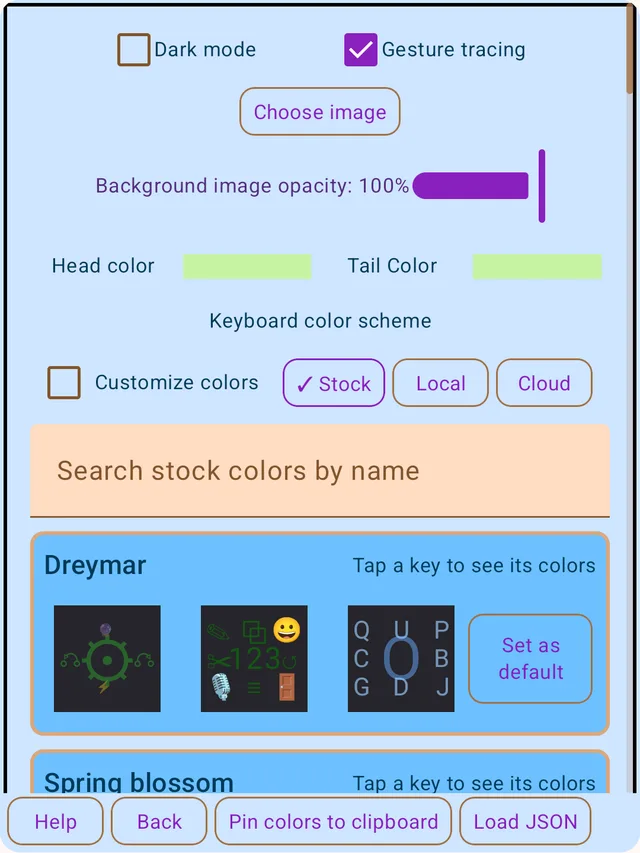
Light & dark

Easy on the eyes, day or night

Settings follow your choice of light or dark, with readable text either way.

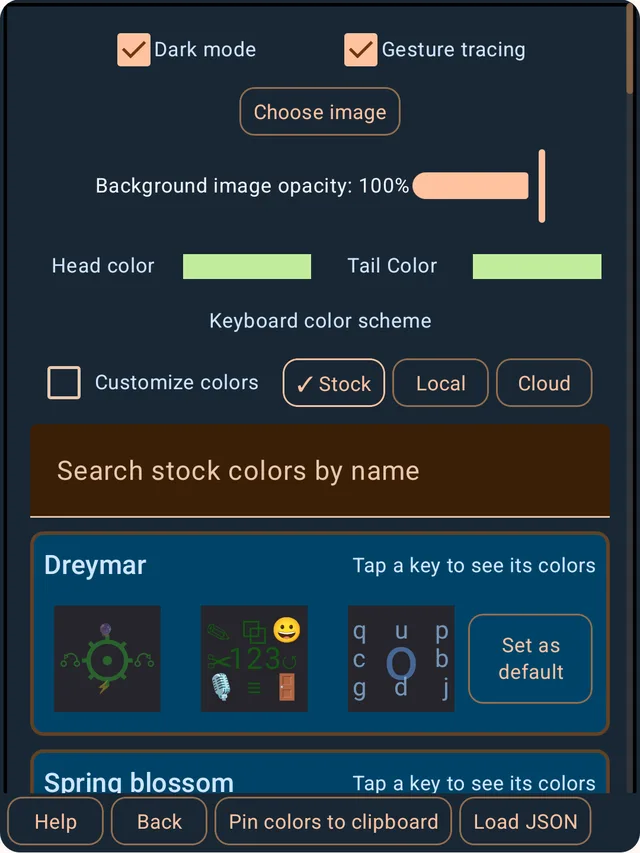
The colors settings screen in light mode The colors settings screen in dark mode
Beta

Try GridKeys before it launches

GridKeys is in testing on Google Play. Use the same Google account you use on your Android phone for all three steps.

  1. Join the testers group. Open GridKeys testers and click Join group.
  2. Opt in. Open the testing page and tap Become a tester. Google can take up to 6 hours after you join the group to let you in here, so if it says you can't join yet, come back and try again later.
  3. Install. Get GridKeys on Google Play, then turn it on in your phone's keyboard settings.

Please stay opted in for at least two weeks. It helps GridKeys reach everyone on Google Play. Found a bug or have an idea? support@gridkeys.app

Your typing isn't sent to us

GridKeys has no code that sends what you type to us, and what it saves (your clipboard, clips, text replacements and settings) stays on your phone. Some word suggestions and voice typing use your phone's own spell checker and speech recognizer. Optional sync, when it arrives, will encrypt your private items before they leave your phone.

Read the privacy policy